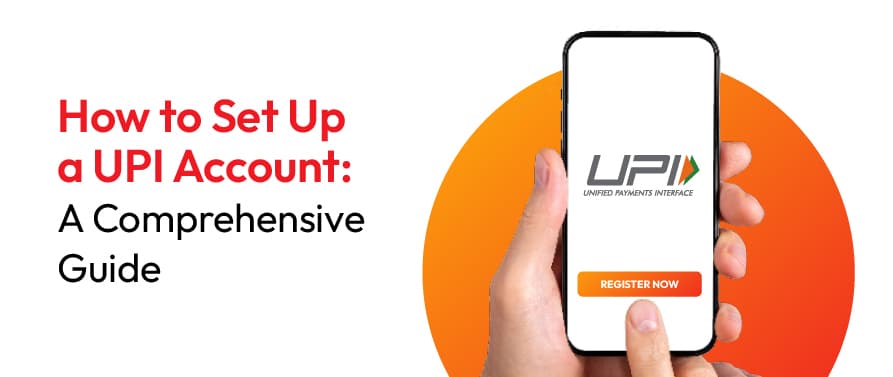
Setting up a UPI account is quick and free - download a UPI app, link your bank account using your registered mobile number, verify via OTP, select a primary account, and create a 4- or 6-digit UPI PIN using debit card details. Your UPI ID (VPA) is auto-generated and ready for instant payments.
Unified Payments Interface (UPI) has revolutionised digital transactions in India and across borders, offering seamless ways to transfer money. Whether paying bills, shopping online, or splitting expenses with friends, UPI contributes to making financial transactions smooth sailing. Setting up a UPI account is quick and simple, requiring just a smartphone, a bank account, and an active mobile number linked to your bank. This is a step-by-step guide to explain the process of creating UPI account, linking it to your bank, and ensuring secure transactions, for the convenience of cashless payments with ease.
Choosing the right UPI-compatible app is imperative for a glitch-free and safe digital payment experience. Look for an app that offers:
Ensure that the app provides essential functionalities including bill payments, QR code-based transactions, and seamless fund transfers. Consider value-added features like cashback incentives, rewards programs, and expense management tools. Opt for an app with a strong reputation, positive user reviews, and responsive customer support.
Global collections made simpler. Pay10 supports businesses with secure cross-border payment solutions backed by enterprise-grade infrastructure.
Receive payments from international customers while managing collections through a trusted fintech platform built for business growth.
Setting up a UPI account is a quick and hassle-free process that enables secure and instant digital transactions. By leveraging UPI, you can efficiently manage your finances, make seamless payments, and reduce dependence on cash. Whether you're paying bills, shopping online, or transferring money, UPI offers a fast and secure way to handle transactions. Get started today and enjoy the benefits of a cashless economy!